Verticals
A vertical overlay bundles domain-specific orchestrator context, optional extra agent-provider YAML, optional MCP catalog YAML, and optional web start scripts — without forking the core tool.
Overlays live under examples/verticals/<id>/ at the monorepo root.
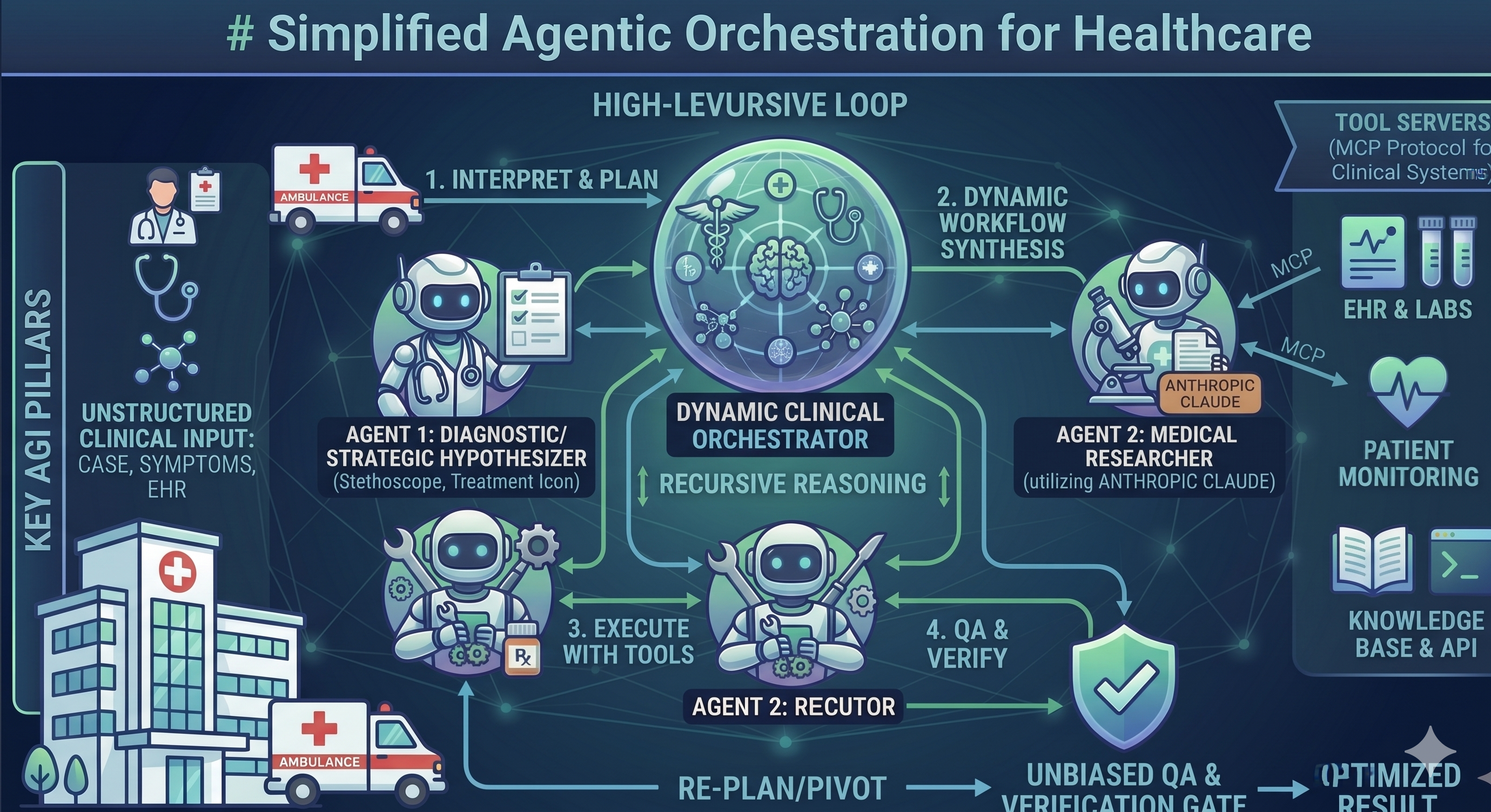
Healthcare
CLI flag: --example healthcare
| Use case | Medtech evidence research, commercial brief generation |
| Adds | Healthcare orchestrator context, specialist agent templates |
| Web | npm run start:healthcare (default port 3850) |
cd agentic-orchestration-tool
python main.py --example healthcare --dynamic \
  "Draft a commercial brief for a novel oncology biomarker"
cd agentic-orchestration-web
npm run start:healthcare
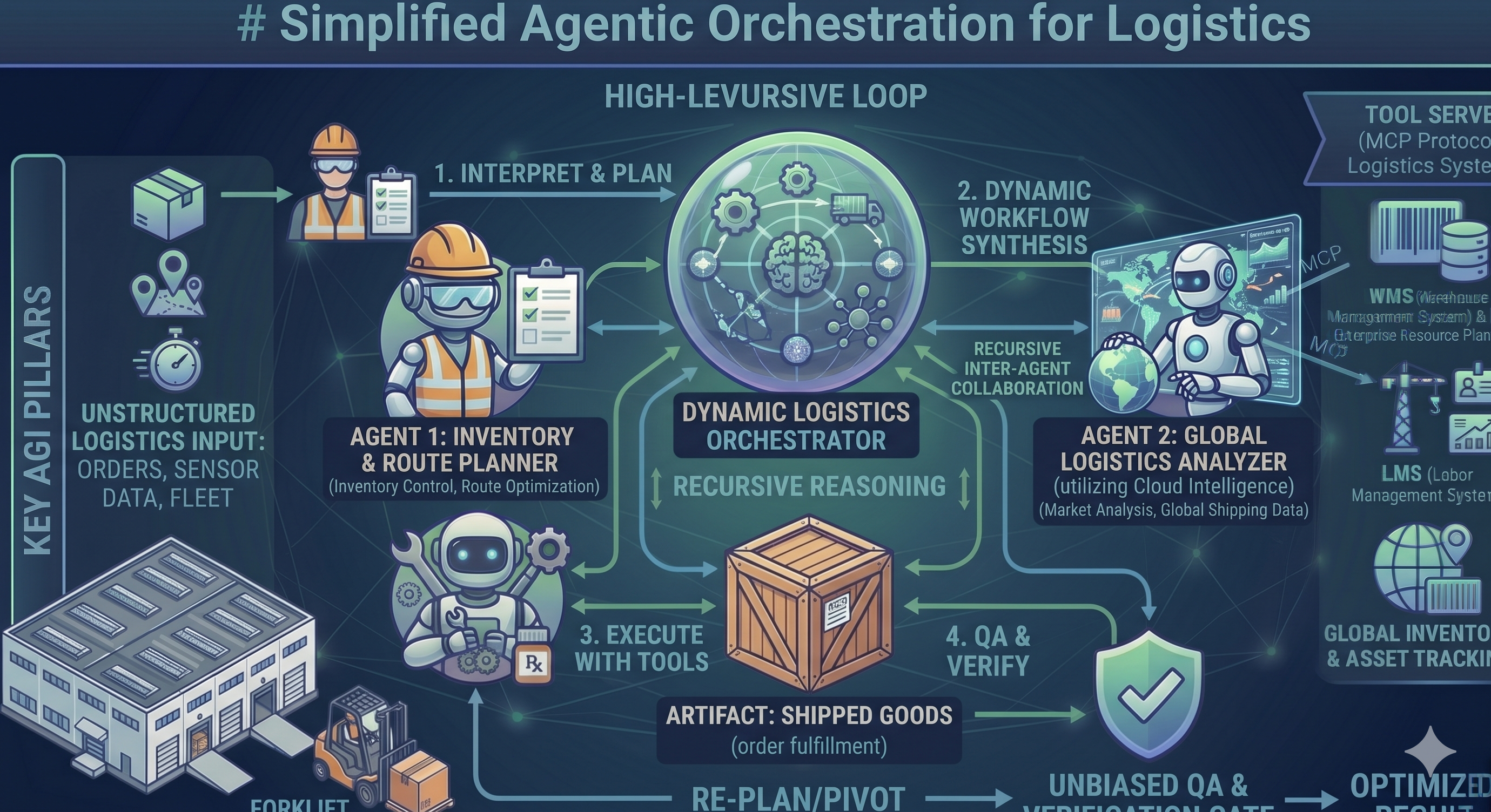
Logistics
CLI flag: --example logistics
| Use case | Warehousing, WMS/ERP integration, labor planning |
| Adds | Warehouse context, simulated WMS/ERP MCP fixtures |
| Web | npm run start:logistics (default port 3851) |
cd agentic-orchestration-tool
python main.py --example logistics --dynamic \
  "Analyze current warehouse utilization and flag bottlenecks"
cd agentic-orchestration-web
npm run start:logistics
How overlays load
| Surface | Mechanism |
|---|---|
| CLI | python main.py --example <id> via orchestration/example_overlays.py |
| Web | AGENTIC_EXAMPLE=<id> or node server.mjs --example <id> |
Optional MCP entries stay hidden until you set their env gates in .env.
Build a custom vertical
- Create
examples/verticals/<id>/withREADME.md, optionalorchestrator-context.md,agent_providers/,mcp_providers/. - Register
<id>inexample_overlays.pyandmain.py--examplechoices. - Add
npm run start:<id>inagentic-orchestration-web/package.jsonif you want a one-command web entry.
Full maintainer guide: examples/verticals/README.md.